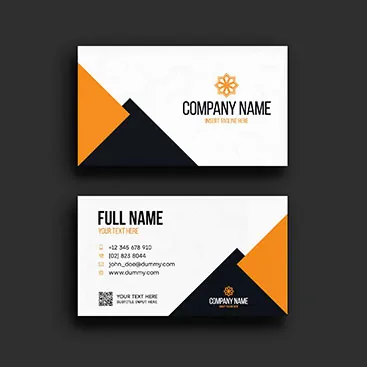
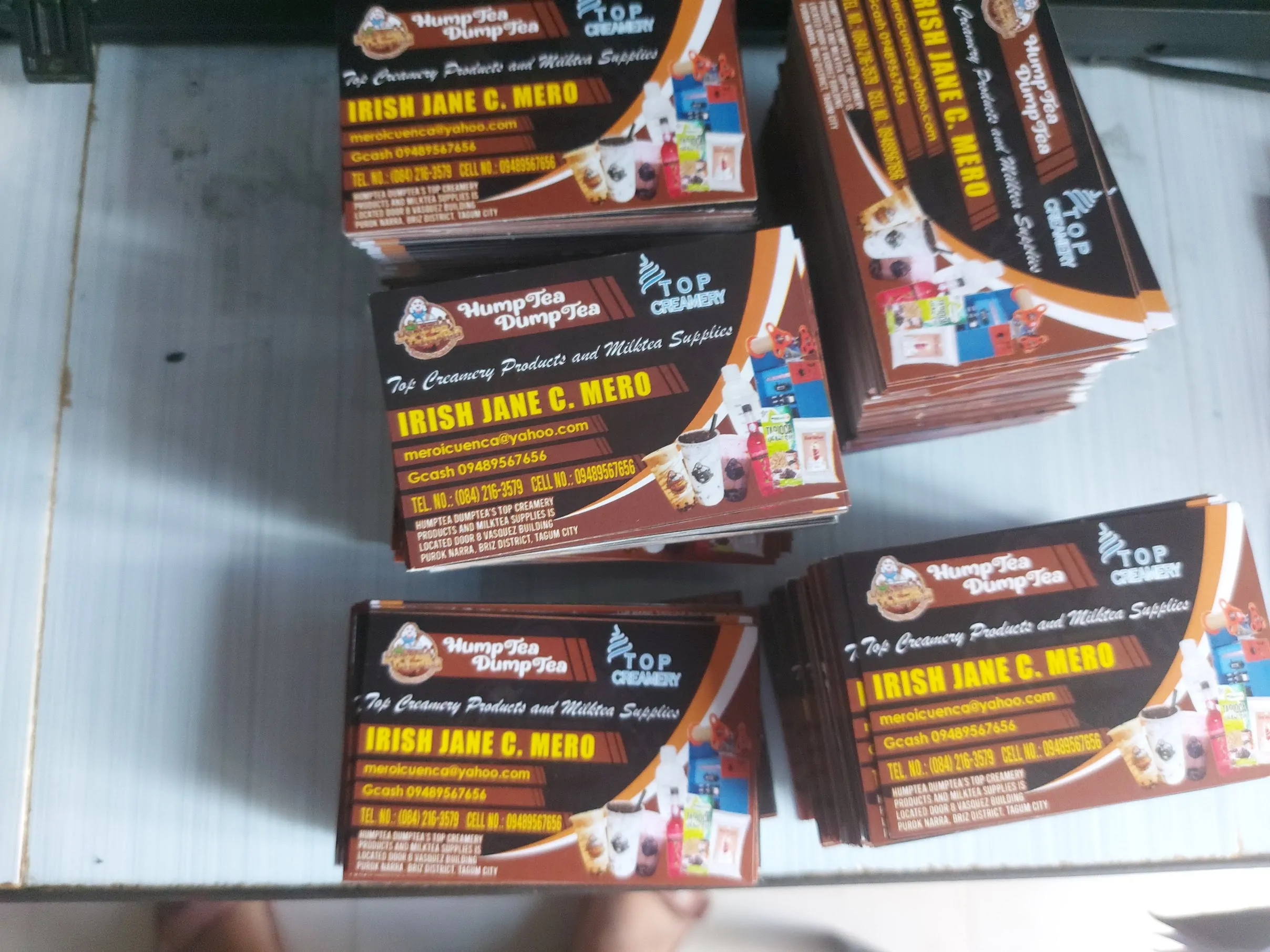
Calling Card Picture
In a world that is increasingly digital, the physical calling card (or business card) remains one of the most powerful networking tools. It’s more than just a piece of paper; it’s a visual representation of your professional identity.
Whether you are a freelancer, a small business owner, or a corporate executive, here is everything you need to know about creating a calling card that leaves a lasting impression.
Finding Design Inspiration
The “picture” or layout of your calling card is the first thing people notice. You don’t need to start from scratch. High-quality templates and vectors are available on platforms like:
- Freepik & Vecteezy: Great for finding modern, minimalist, or creative vector templates that you can customize.
- Shutterstock: Ideal for high-end, professional layouts and high-resolution background images.
- Raket.ph: A great place to see custom work from local designers to get a feel for current market trends.
Standard Dimensions and Specs
To ensure your card fits perfectly in wallets and holders, stick to the industry standard.
- Standard Size: 3.5 inches x 2 inches.
- Resolution: Always design in 300 DPI to ensure the “picture” on the card is crisp and not blurry when printed.
- Bleed Area: Remember to leave a small margin (usually 0.125 inches) around the edges so that no important text is cut off during the printing process.
Essential Design Elements
What should your calling card “picture” actually include?
- The Logo: Your brand’s visual anchor.
- Name & Title: Clear and easy to read.
- Contact Details: Phone number, email, and website.
- White Space: Don’t clutter the card. A clean design looks more professional and high-end.
- QR Codes: A modern touch that links directly to your portfolio or LinkedIn profile.
Choosing the Right Finish
The physical feel of the card is just as important as the visual design. Local services like Sinag Printing Press and Transfer It offer various options:
- Matte: For a sophisticated, non-reflective look.
- Glossy: Makes colors pop and adds a protective shine.
- Textured/Linen: Adds a premium, tactile feel to your card.
Protection and Presentation
Once you have your cards printed, how you present them matters. Carrying loose cards in your pocket can lead to frayed edges and dirt.
- Calling Card Cases: Use a dedicated holder (available at DIY Printing) to keep your cards pristine. A sleek metal or leather case shows that you value your professional image.
Where to Print in the Philippines
If you are looking for convenience and quality, you can find various printing services online:
- Lazada: For affordable, bulk business card printing.
- Custom Designers (Raket.ph): For a unique, tailor-made design that stands out from the crowd.
- Specialty Shops: Like Sinag Printing for professional-grade commercial runs.
Pro-Tip for Networking
When handing out your card, make eye contact and mention one specific thing you discussed. Your card serves as the “anchor” for that memory. With the right design and a professional presentation, your calling card will ensure you’re never forgotten!
CONTACT US
- MESSAGE US ON FACEBOOK: https://www.facebook.com/rbsublimationsignage
- CALL/TEXT: +639460480491