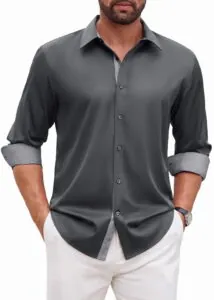
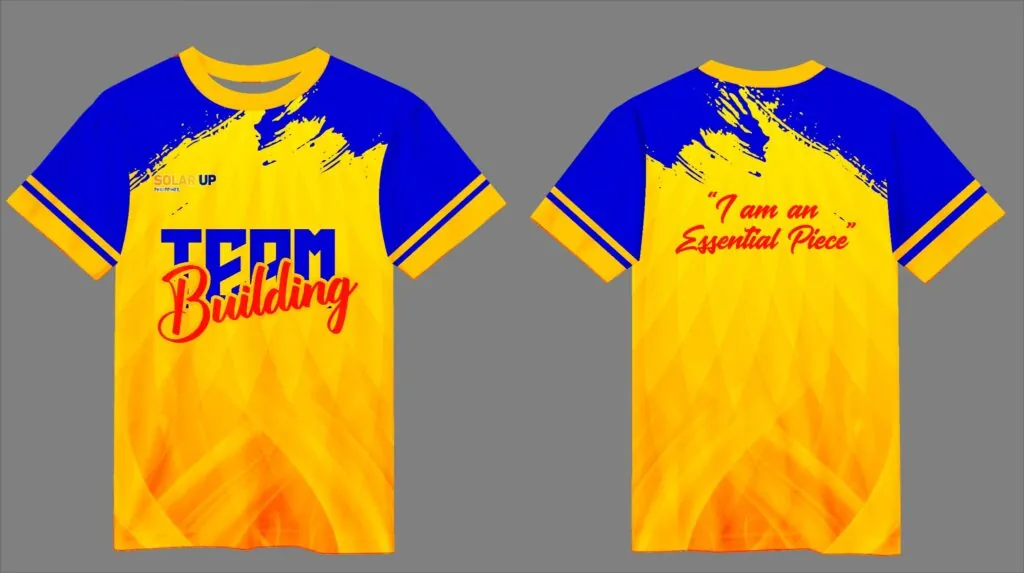
A shirt template serves as the foundational framework for creating consistent, professional apparel designs across multiple garments. Whether used for screen printing, embroidery, or digital mockups, templates ensure that artwork placement, sizing, and proportions remain uniform.
Understanding how to use and customize these frameworks saves time and reduces costly production errors.
Types of Shirt Templates
Digital templates exist for various purposes. Vector templates in Adobe Illustrator or CorelDRAW allow scalable artwork creation. Photoshop raster templates provide realistic fabric texture previews. Gaming platform templates like those used in Roblox follow strict pixel dimensions. Physical measurement templates guide screen printers in positioning artwork on actual garments.
Standard Placement Guidelines
Most templates follow industry-standard measurements. A left chest logo typically measures 3.5 to 4 inches wide and sits 2.5 inches below the collar. Full back designs extend 11 to 13 inches wide and begin 3 to 4 inches below the collar. Sleeve prints usually occupy a 3 by 3 inch square centered on the outer bicep. Hem labels and neck tags require their own specific template zones.
Creating Custom Templates for Brands
Organizations with recurring printing needs benefit from developing proprietary templates. These documents specify exact logo dimensions, approved color palettes, and placement rules that all vendors must follow. A well-documented template system ensures consistency whether you order ten shirts or ten thousand, regardless of which printer handles production.
Essential Elements of a Production Template
- Clear garment outline showing front, back, and sleeve views
- Measurement guides indicating distance from collar, side seams, and hem
- Safe zones where artwork should not extend to avoid printing errors
- Color callouts using Pantone codes for ink matching accuracy
- Scale indicators that confirm template dimensions match real garments
- Registration marks for multi-color screen printing alignment
Digital vs Physical Templates
Digital templates excel for design visualization and client approval. They allow quick color changes and layout adjustments. Physical templates, typically made from cardboard or transparent film, guide printers during production. The most effective workflow combines both: digital for design, physical for manufacturing precision.
Where to Get Custom Shirt Printing
Professional shirt printing services are available in Tagum City, Davao del Norte, and throughout the Davao Region. Nationwide delivery extends to Misamis Oriental, Davao del Sur, Davao de Oro, Davao Oriental, Compostela Valley, and all Philippine provinces.
How to Submit Your Template-Based Order
Provide your completed template with all artwork in separate layers. Specify garment style, color, and size range. Include a physical sample or photo reference if exact color matching is critical. For first-time orders, request a prototype to verify placement and scale before committing to full production.
CONTACT US
For more information or to visit us, here are our branch addresses:
- Branch 1: Naungayan Building, Aala Road, Barangay Mankilam, Tagum City, Davao Del Norte
- Branch 2: Sobrecary Street (In front of Velox Gas Station), Tagum City, Davao Del Norte
- Email: sales@phshirt.com
- Phone: +63 946 048 0491
- Business Hours: Monday – Friday: 8:00 AM to 5:00 PM (PH Time)
- Facebook Page: Visit our Facebook Page
Need Custom Shirts, School Uniforms, or Workwear?
We manufacture PE uniforms, company polo shirts, sublimation jerseys, and event tees with official BIR invoices. Direct bus cargo to Cagayan De Oro, General Santos, and Davao within 24 hours, plus express nationwide courier delivery.